Virtual Tour
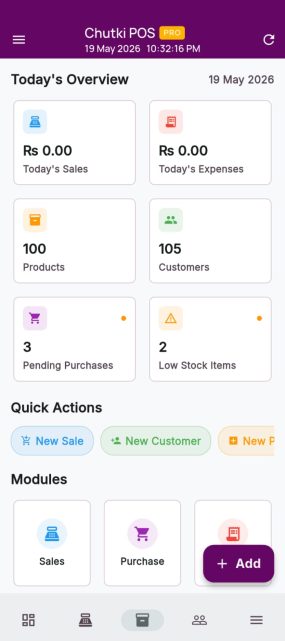
Explore every module of Chutki POS through our detailed visual walkthrough. Get a clear understanding of each feature with simple, guided screens that make navigation easy. Learn how sales, inventory, and settings work together in real time for smooth business operations. This step-by-step overview helps you quickly understand the system with ease and confidence.
Sales Management
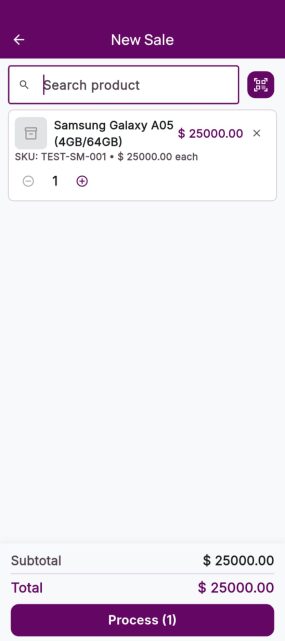
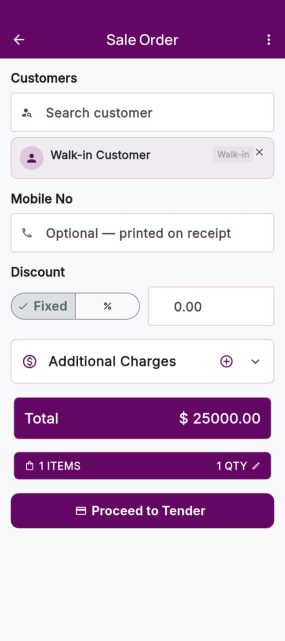
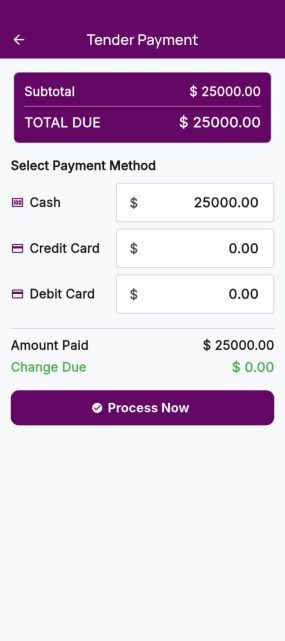
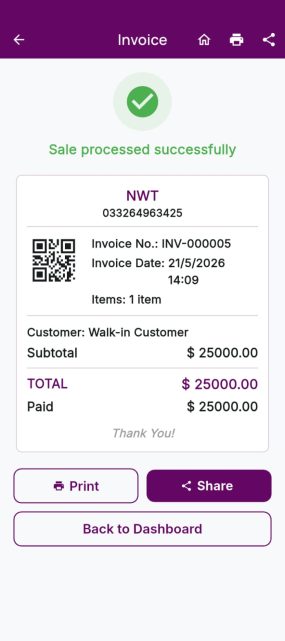
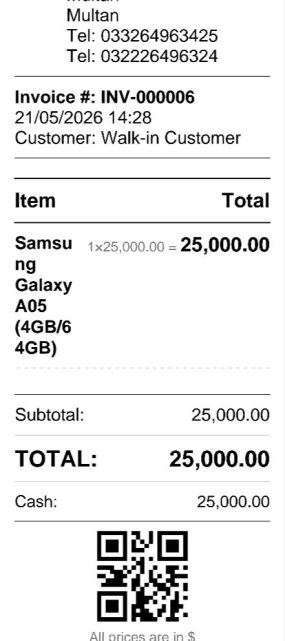
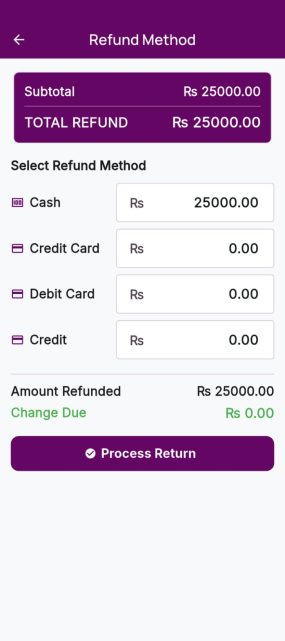
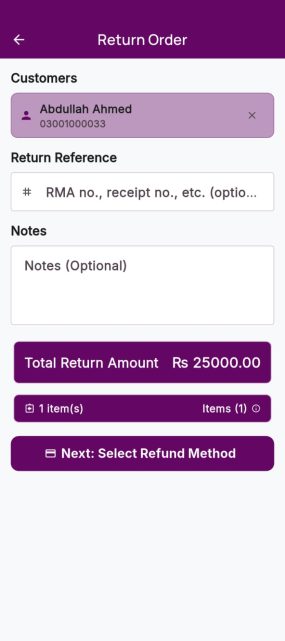
Our sales section is designed to help you complete every transaction quickly, smoothly, and with full accuracy. You can easily add products to the cart using fast barcode scanning or by searching items manually. Once items are added, the system automatically calculates the total amount, including discounts, taxes, and any applied offers without any manual effort. In just a few seconds, you can generate clean, professional invoices that are ready to print or share with your customers. Every sale is securely saved in the system for easy tracking, reporting, and future reference.
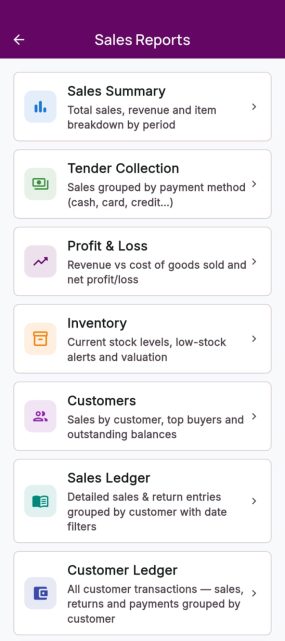
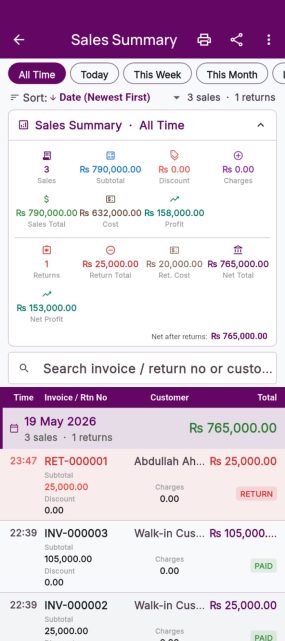
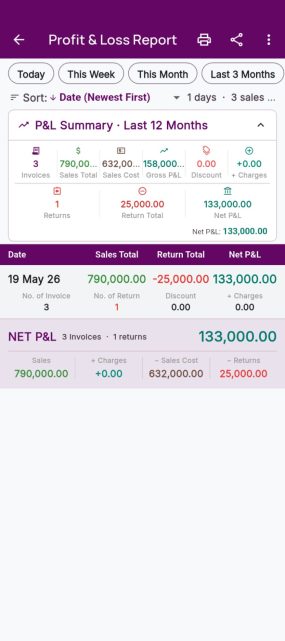
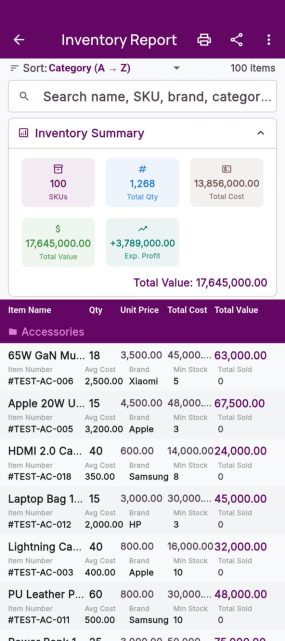
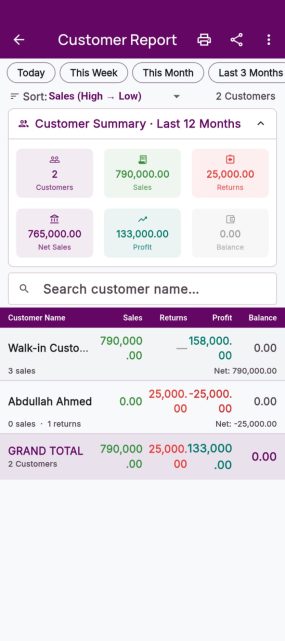
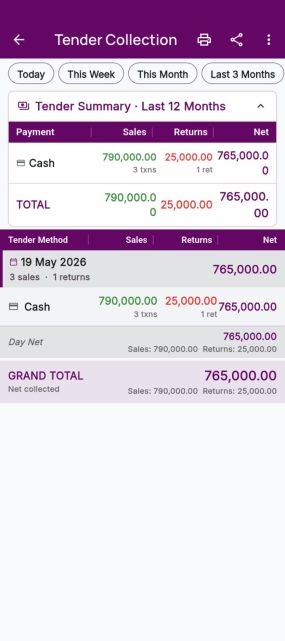
You can also access detailed business insights such as Reports, Inventory, Customer Profiles, Profit & Loss, Customer Ledger, Tax Collection, Tender Collection, and Sales Summary all in one place. This gives you complete control and visibility over your business performance at any time. It makes your billing process simple, fast, and completely error-free while helping you make better business decisions.
Purchase Management
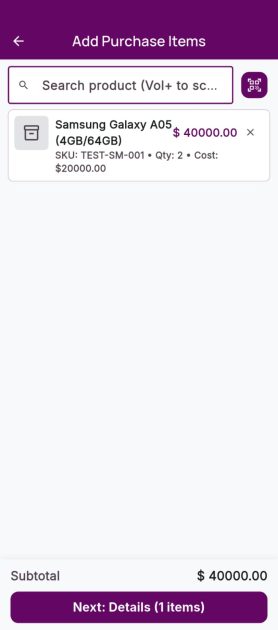
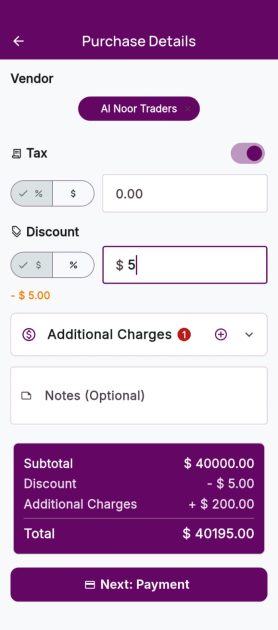
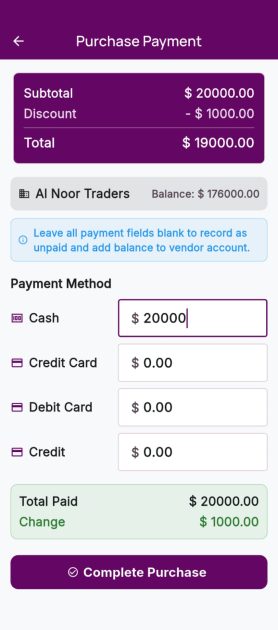
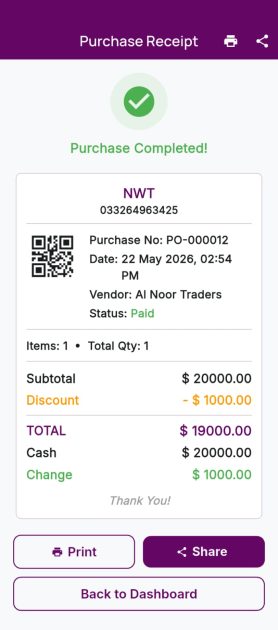
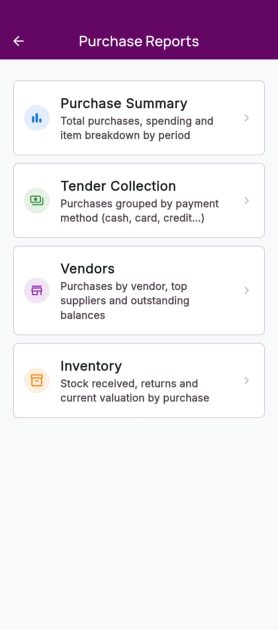
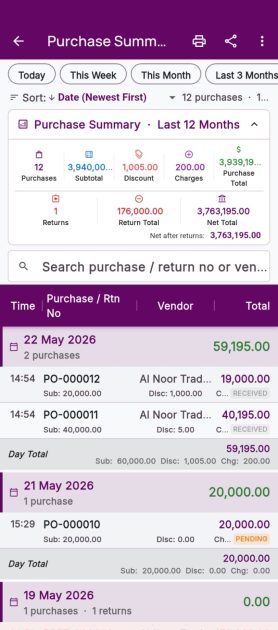
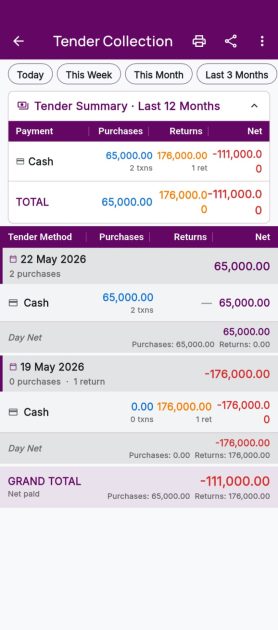
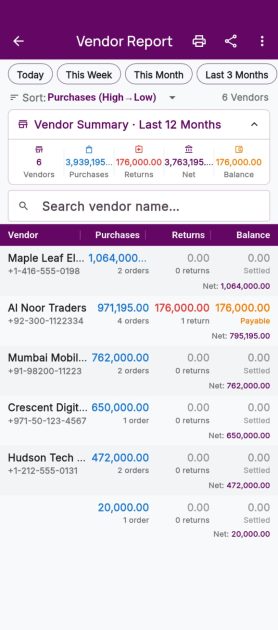
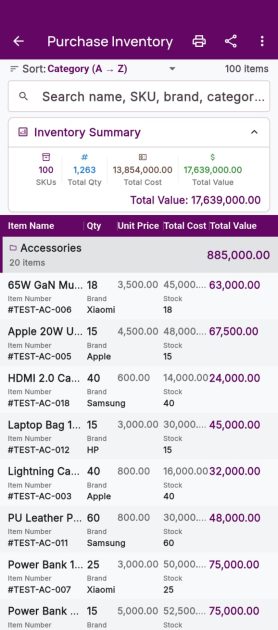
Our purchase section is designed to make managing your buying process simple, fast, and fully organized. You can easily add purchase items using barcode scanning or manual product search. Once items are added, the system automatically calculates the total cost, including taxes, discounts, and supplier rates without any manual effort. In just a few seconds, you can generate clean and professional purchase entries or bills that are ready for record keeping or printing. Every purchase is securely saved in the system for accurate tracking, reporting, and future reference.
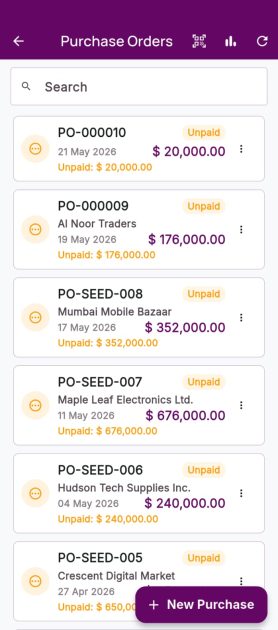
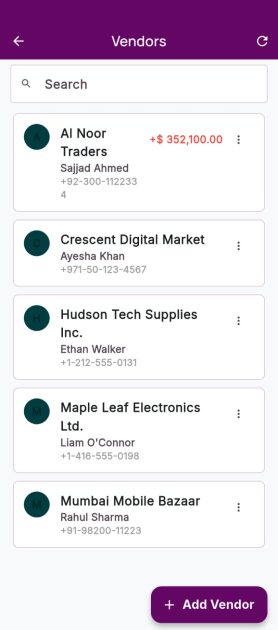
You can also view complete purchase-related insights such as Purchase Reports, Stock Updates, Supplier Records, Inventory Status, Profit & Loss Impact, Tax Records, and Purchase Summaries all in one place. This helps you stay fully aware of your stock inflow and business expenses. It ensures your purchasing process remains simple, accurate, and fully transparent while helping you manage your business more efficiently.
Expenses Management
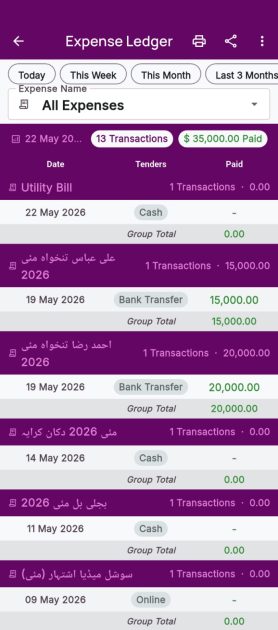
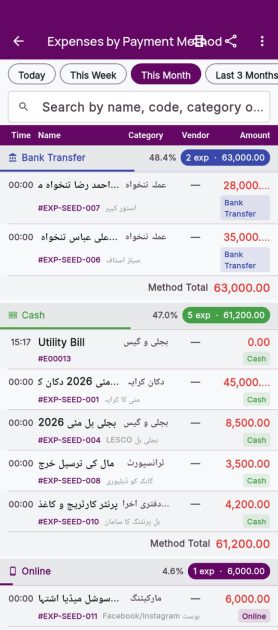
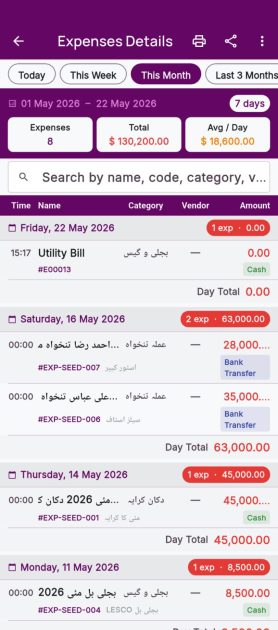
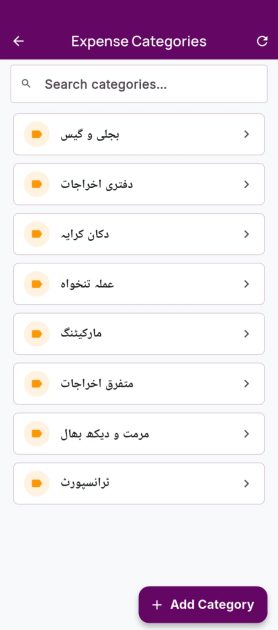
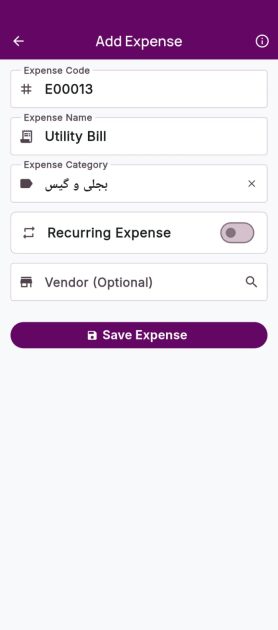
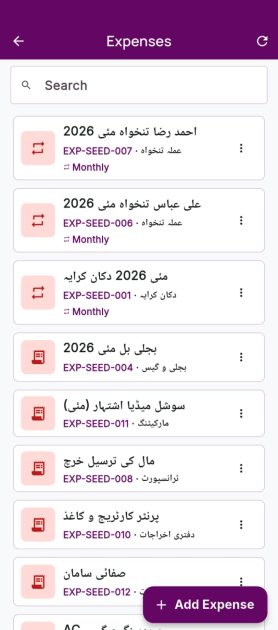
Our Expenses section is designed to make managing your business expenses simple, fast, and fully organized. You can easily add expenses manually or categorize them for better tracking. The system helps you record every expense with details such as amount, date, and purpose without any confusion or manual calculations. In just a few seconds, you can create clean and properly structured expense entries for accurate record keeping and reporting. Every expense is securely saved in the system for easy tracking, auditing, and future reference.
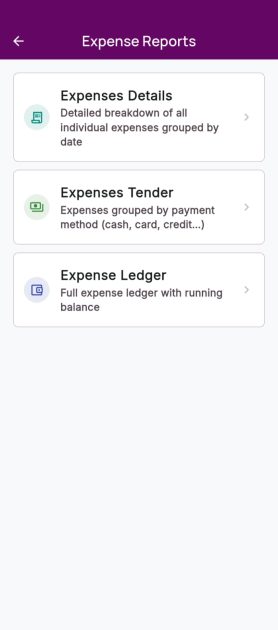
You can also view complete expense-related insights such as Expense Reports, Category-wise Expenses, Cash Flow Impact, Daily Expense Summary, Profit & Loss Overview, Tax-related Expenses, and Overall Expense Analysis all in one place. This gives you full visibility of where your money is going. It helps you control costs, improve budgeting, and make smarter financial decisions while keeping your business finances simple, transparent, and well-managed.
Reports Management
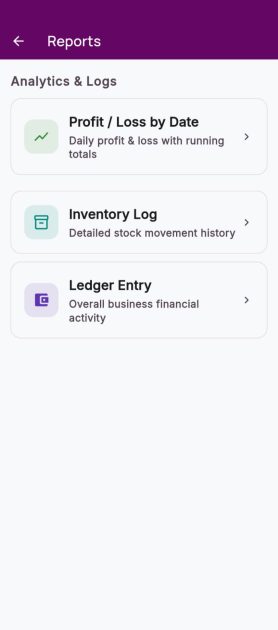
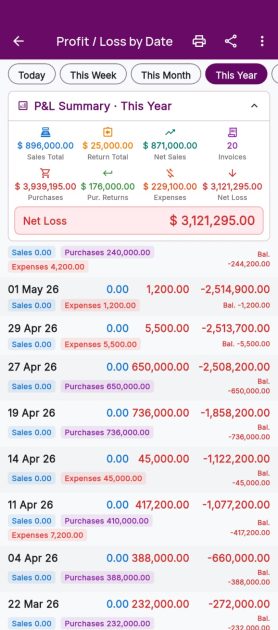
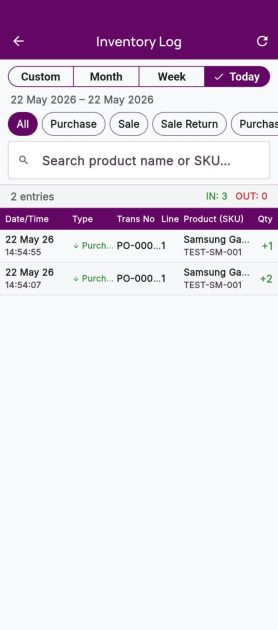
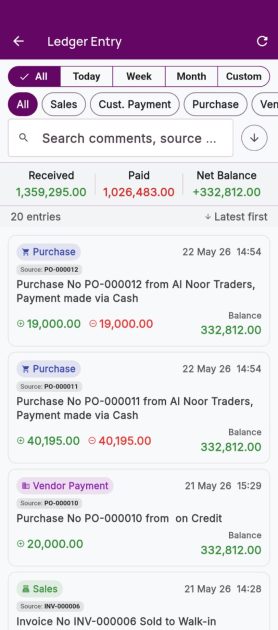
Our Reports section is designed to give you clear and accurate insights into your business performance. You can easily track and manage important business records without any confusion or manual calculations. The system automatically organizes your data and generates detailed reports within seconds, helping you stay updated with your business activities at all times. Every report is securely stored for easy access, tracking, and future reference.
You can view important reports such as Profit & Loss Reports, Inventory Logs, and Ledger Entries all in one place. These reports help you monitor business profits, track stock movement, and manage customer or supplier account records with complete accuracy. This makes your business management simple, organized, and more efficient.
Settings Management
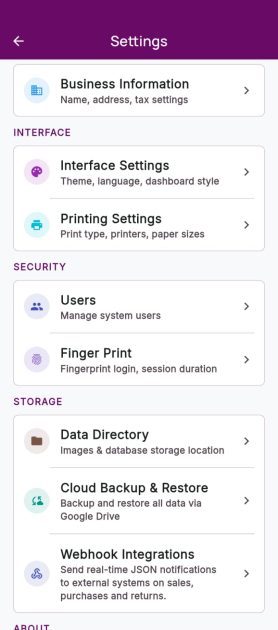
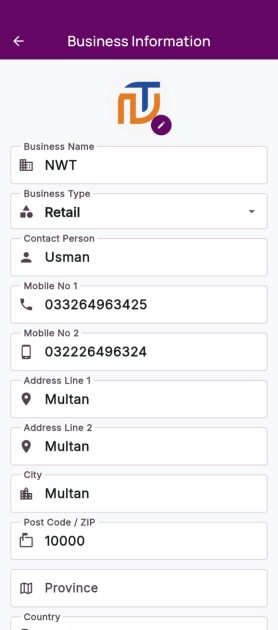
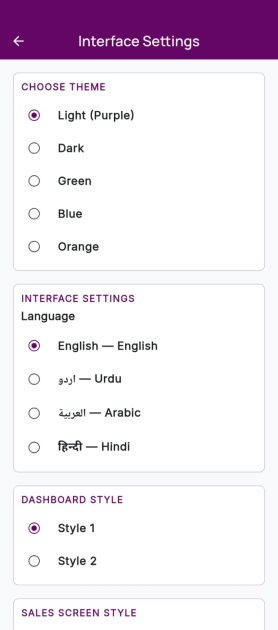
Our Settings section is designed to give you complete control over your business and application preferences in one place. You can easily edit your Business Information, manage store details, and customize the app according to your working style. The system includes powerful Interface Settings where you can change the Theme, adjust Language Settings, customize the Dashboard Style, modify the Sales Screen Layout, and manage Quick Cart Settings for a faster billing experience.
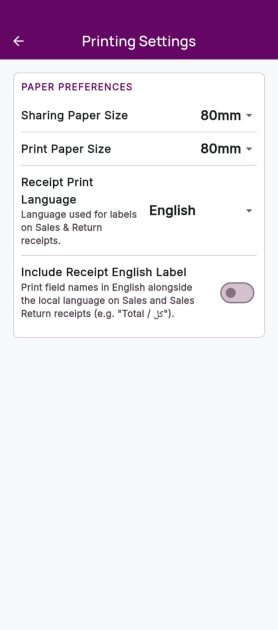
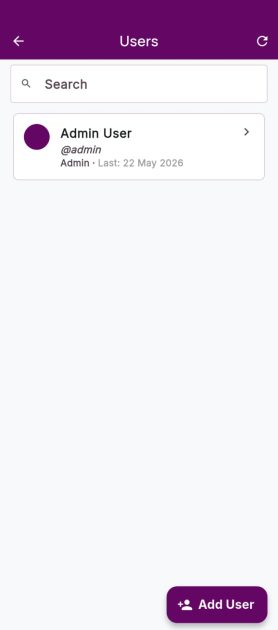
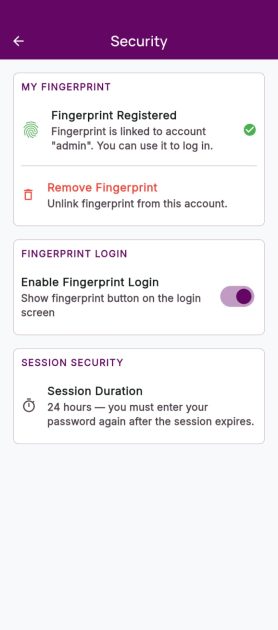
You can also configure advanced Printing Settings with support for 88mm, 57mm, and A4 Invoice Sizes to match your business needs. The settings section allows you to Add, Edit, and Manage Users with proper access control for staff management. For faster and secure access, you can enable Fingerprint Login to directly access your business data without delays.
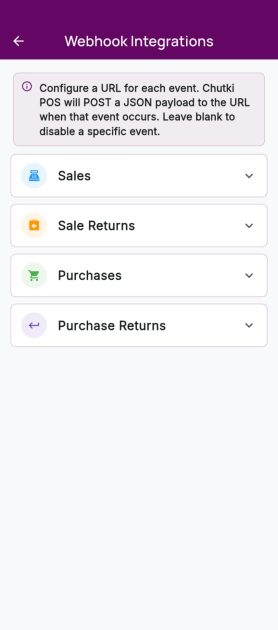
The app also includes Webhook Integration Tools that help you connect Chutki POS with external platforms, websites, and automation services for smoother business operations and real-time data syncing.
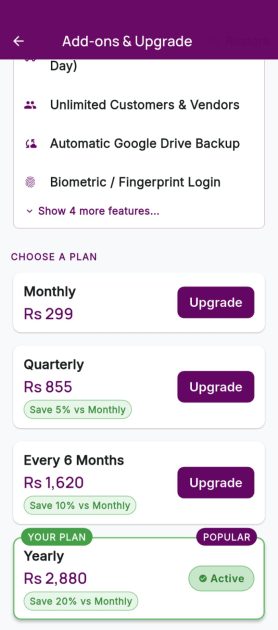
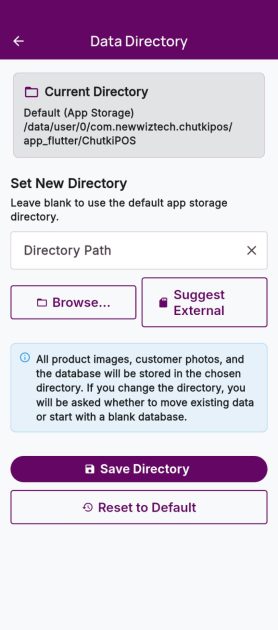
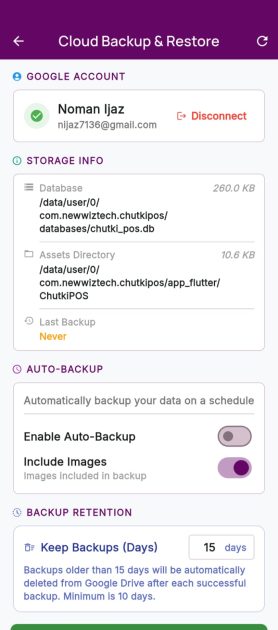
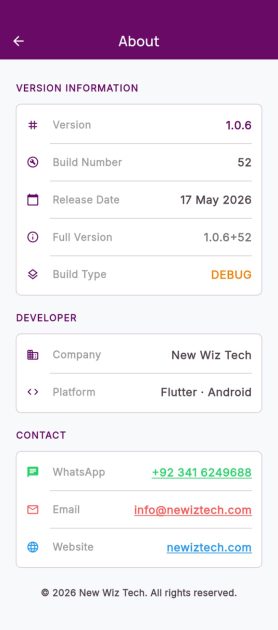
A dedicated Data Directory lets you automatically save app-related images and videos directly to your device gallery for easy access and management. With secure Cloud Backup, your important business data remains protected and can be restored anytime when needed. You can also manage your subscription through the Upgrade Section and learn more about the platform in the About Chutki POS section. Everything is designed to make your business management smarter, simpler, and more personalized.